How Codsworth works
Screenshots of Codsworth running on a Discord server. Read how we handle data in the privacy policy; anyone can download or delete their data on the My Data page.
Message Content
Codsworth only reads messages in channels a server admin has enabled in the dashboard. These are the features that need the message text and attachments.
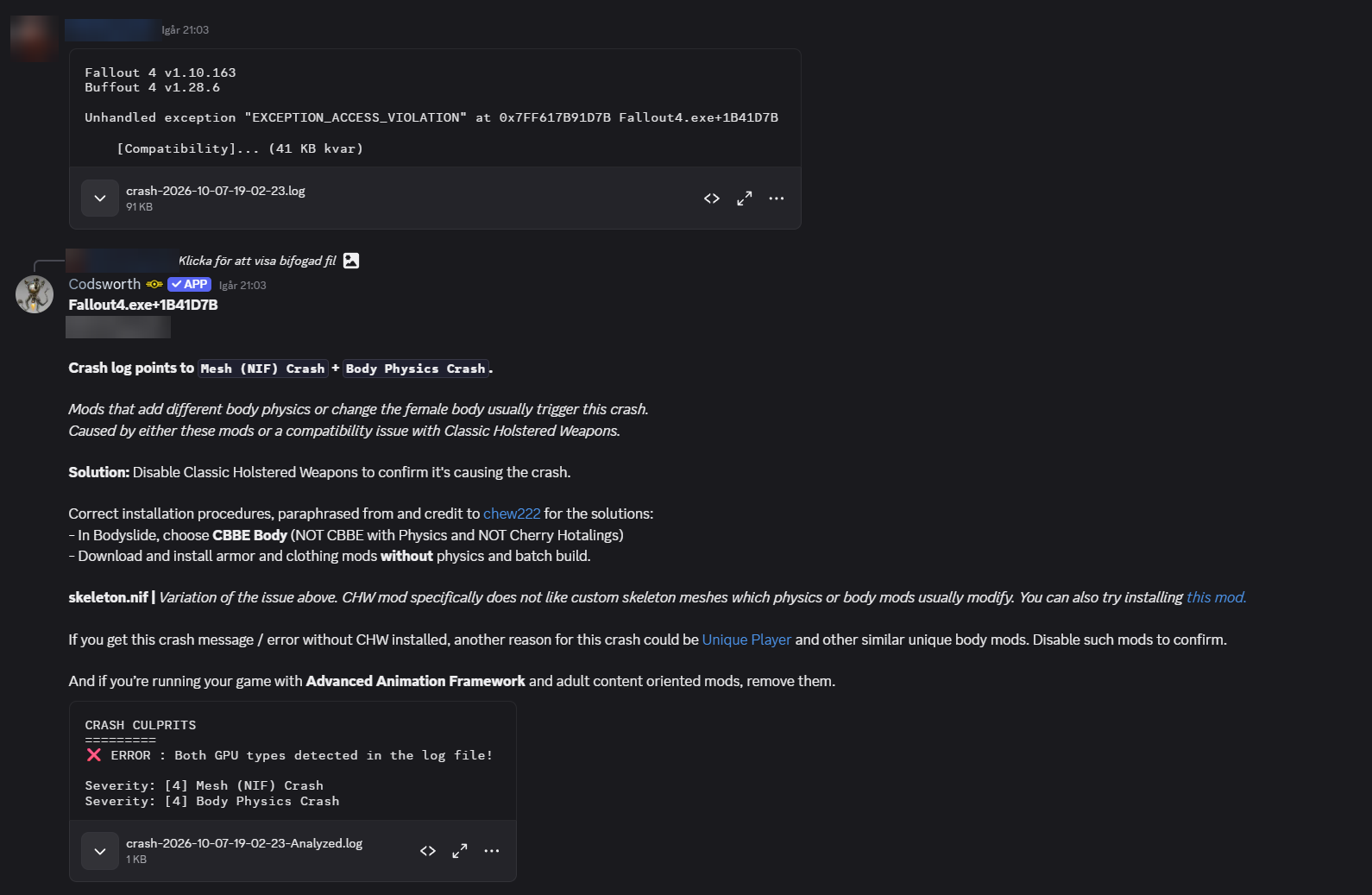
Crash log analysis
A member posts a game crash log, without mentioning the bot. Codsworth reads the attached file, finds the likely causes and replies with fixes.
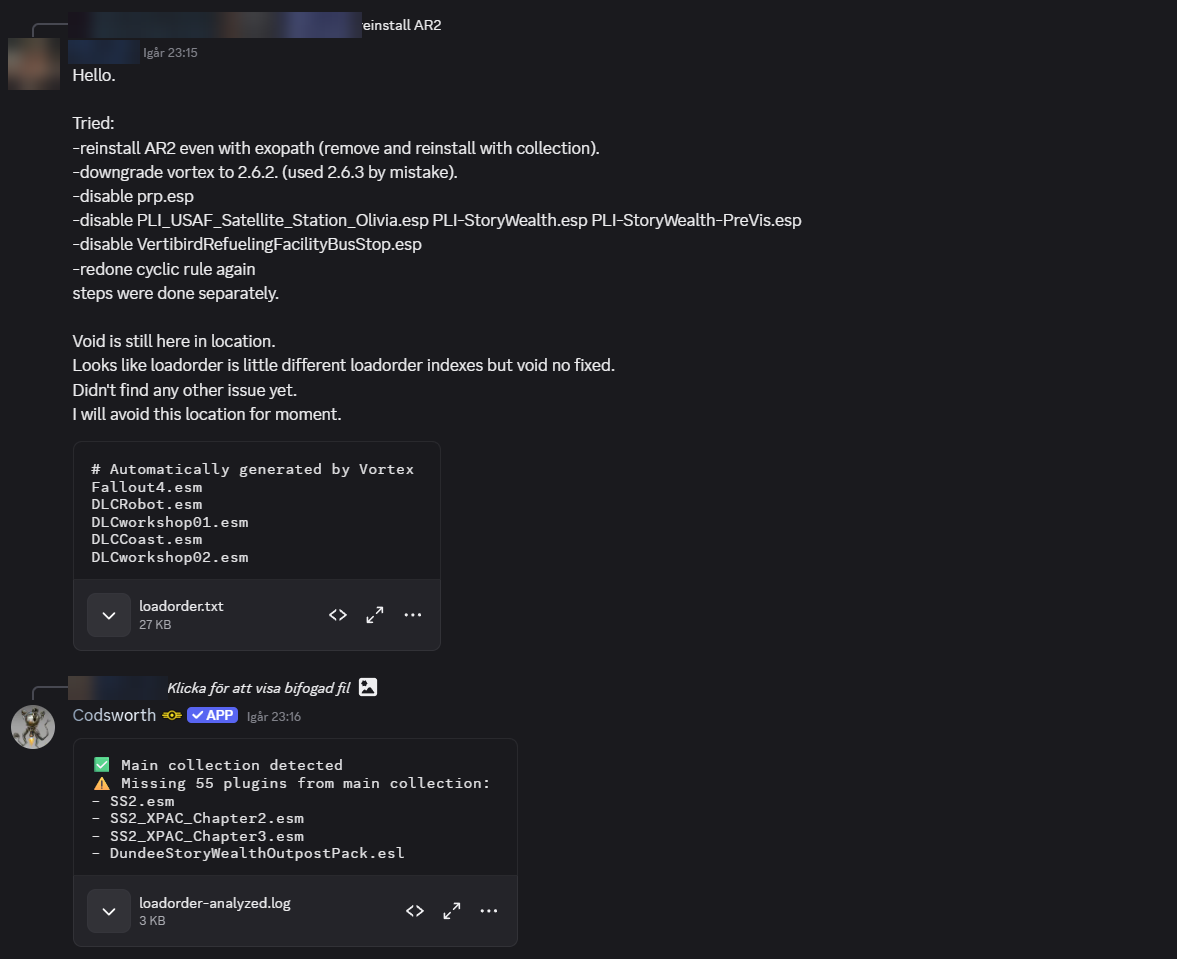
Load order check
A member posts their loadorder.txt. Codsworth compares it with the server's recommended mod collection and lists what's missing.
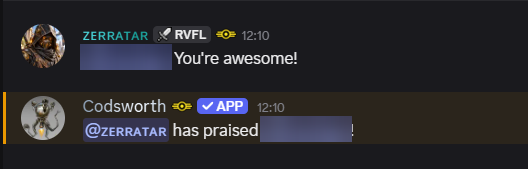
Praise between members
A member thanks someone in a normal message. Codsworth recognises the praise and gives the helper reputation.
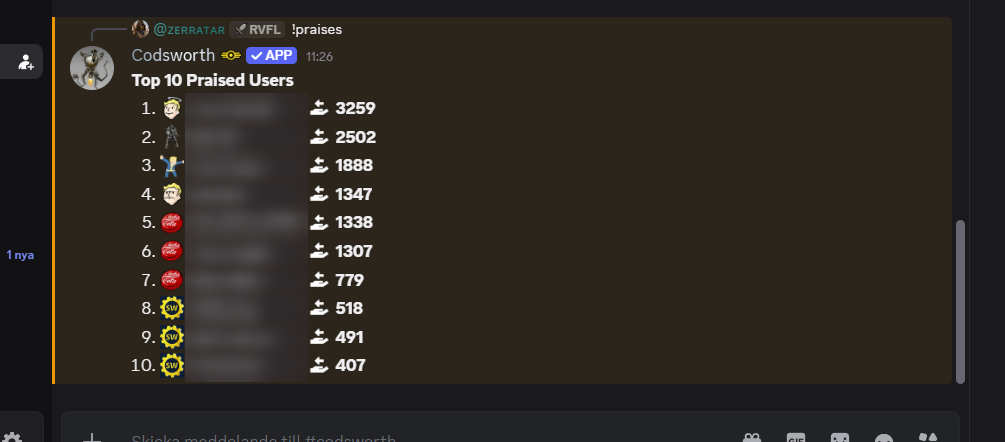
Praise leaderboard
The !praises command shows the members who helped others the most.
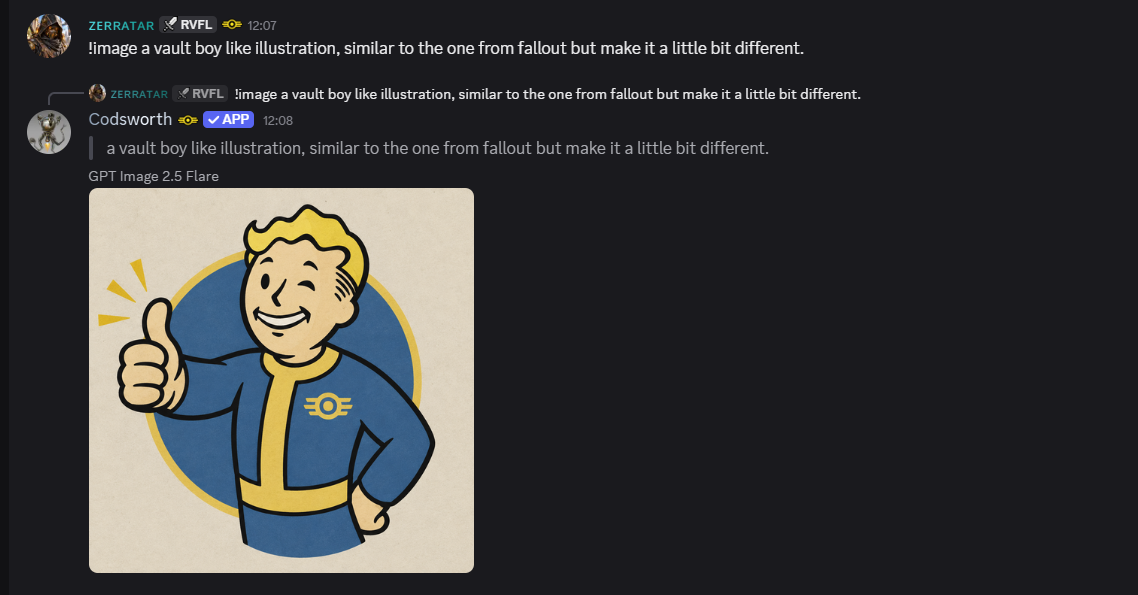
Text commands
Commands like !image are typed as normal messages, without mentioning the bot.
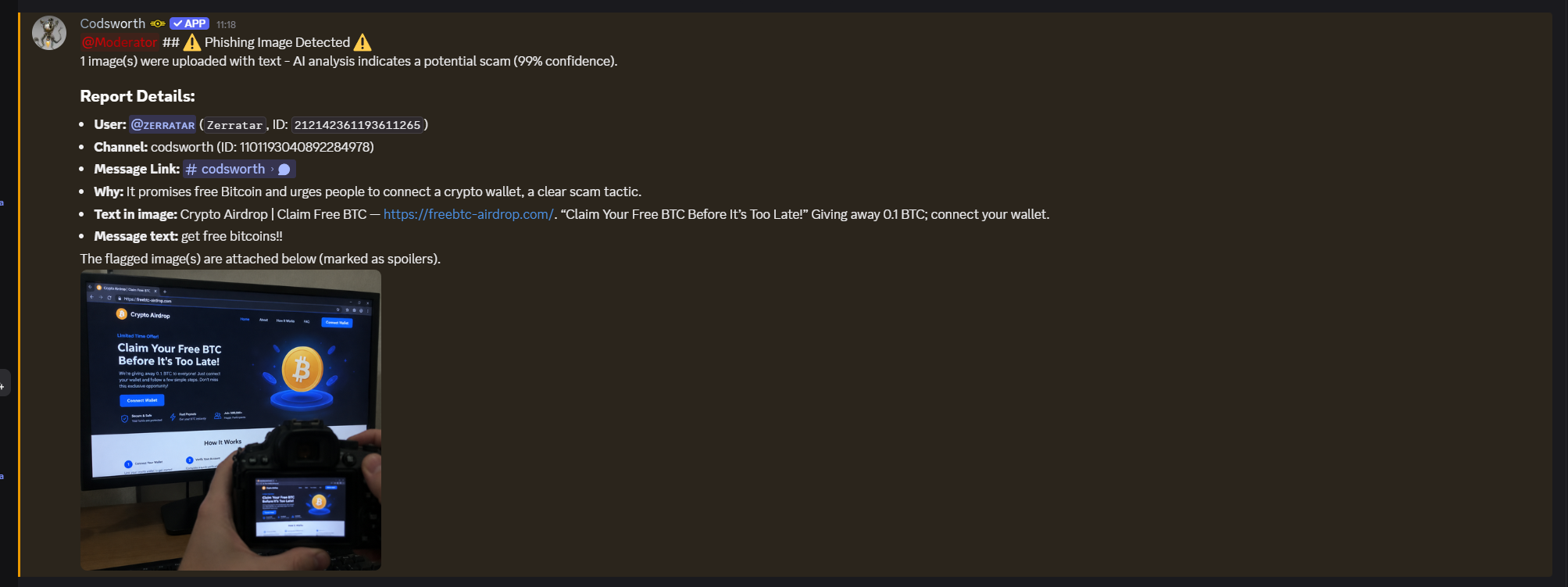
Scam and phishing protection
Messages with images are checked for scams. Moderators get an alert with the reason, the text read from the image and a copy of the image, and the message can be removed.
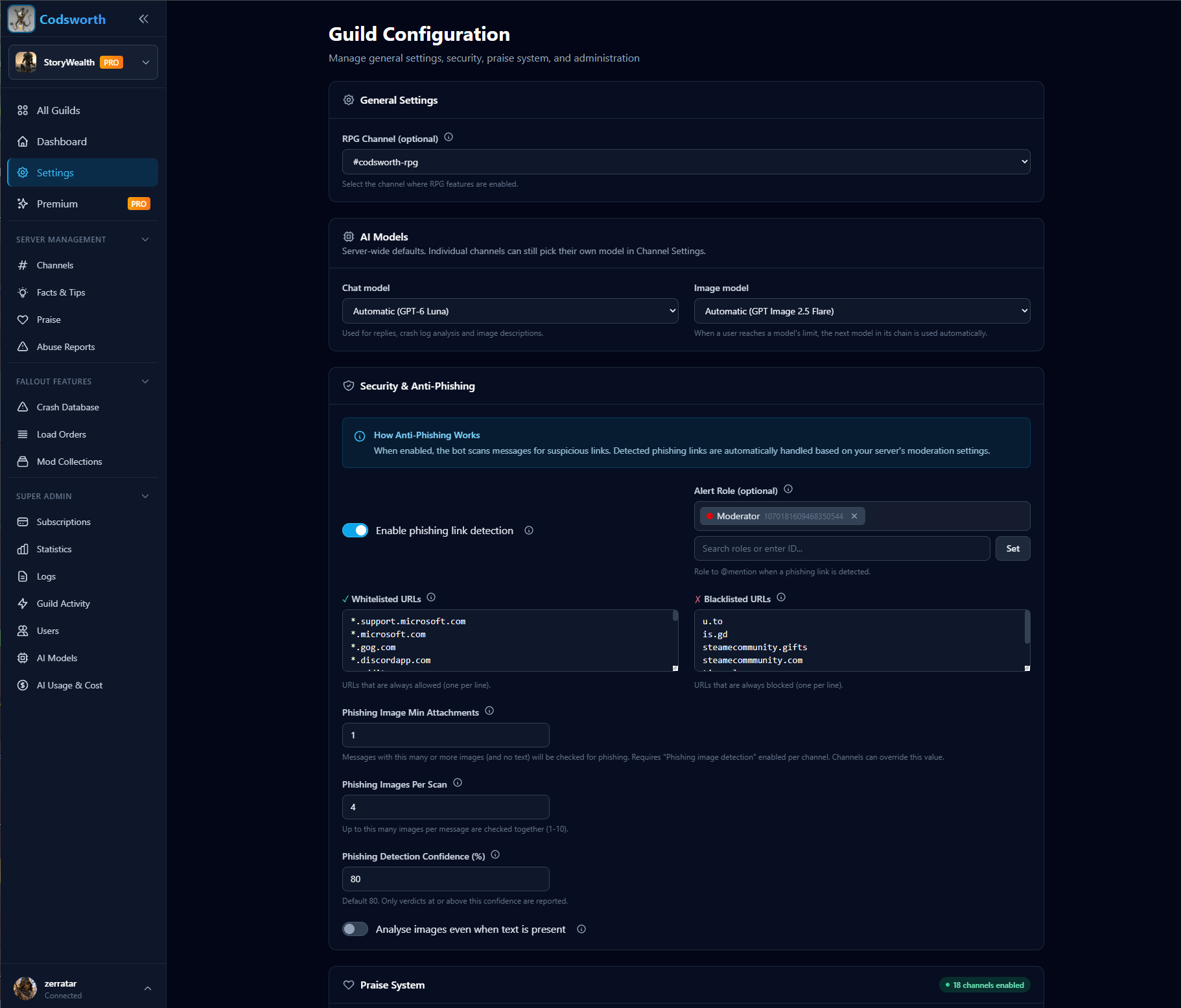
Scam protection settings
Server admins turn scam detection on, pick the role to alert and tune how sure the AI must be before a post is flagged.
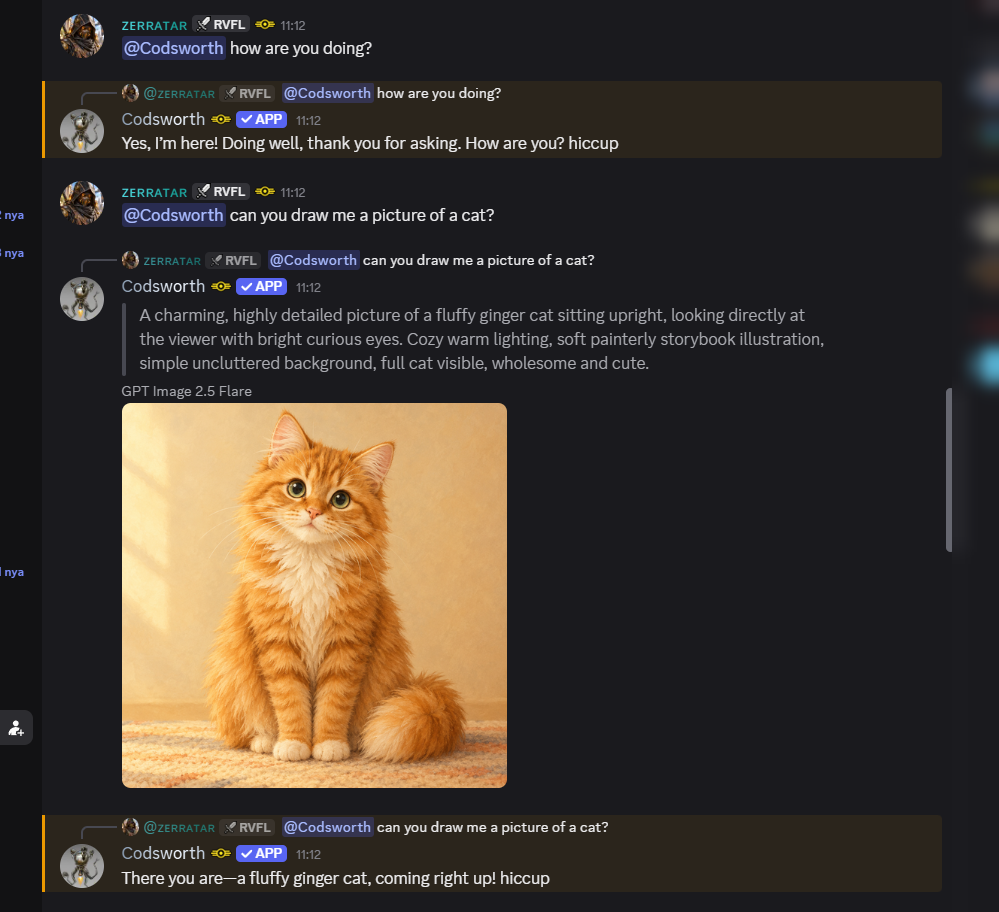
Chat and image generation
Members talk to Codsworth and ask it to draw images.
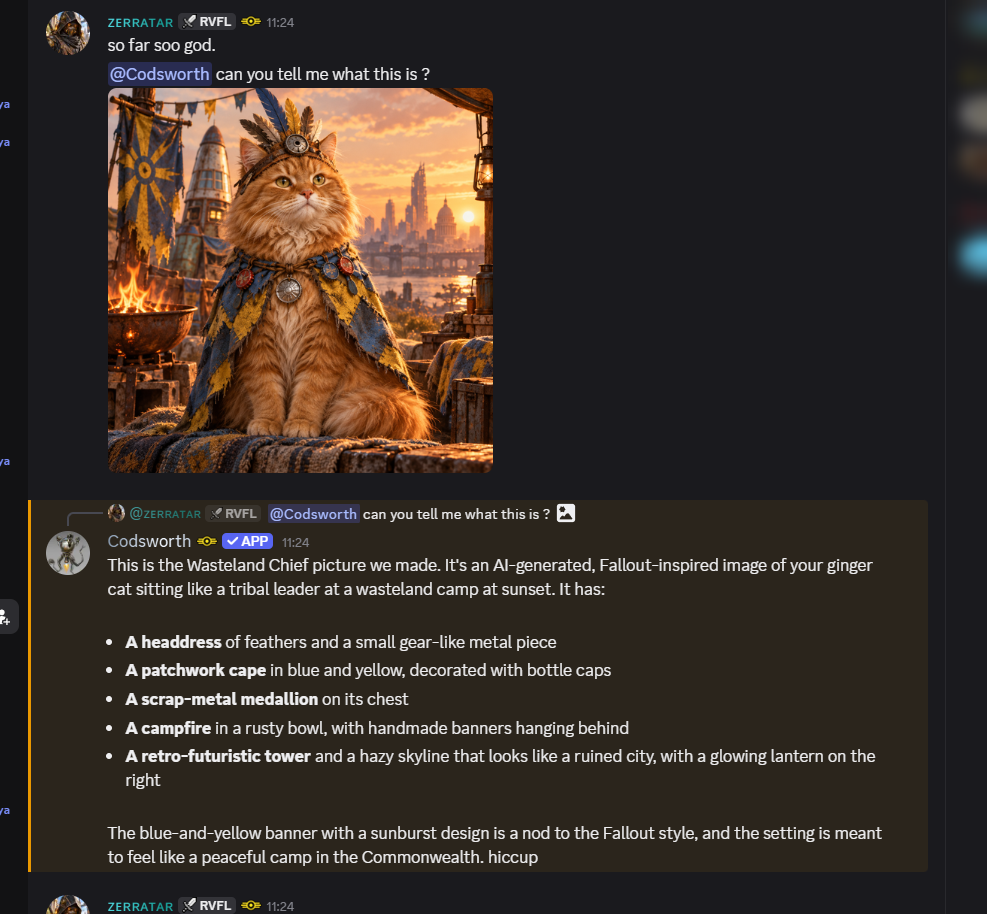
Reading images
Members can ask Codsworth about an image they posted, for example a screenshot of an error or a mod.
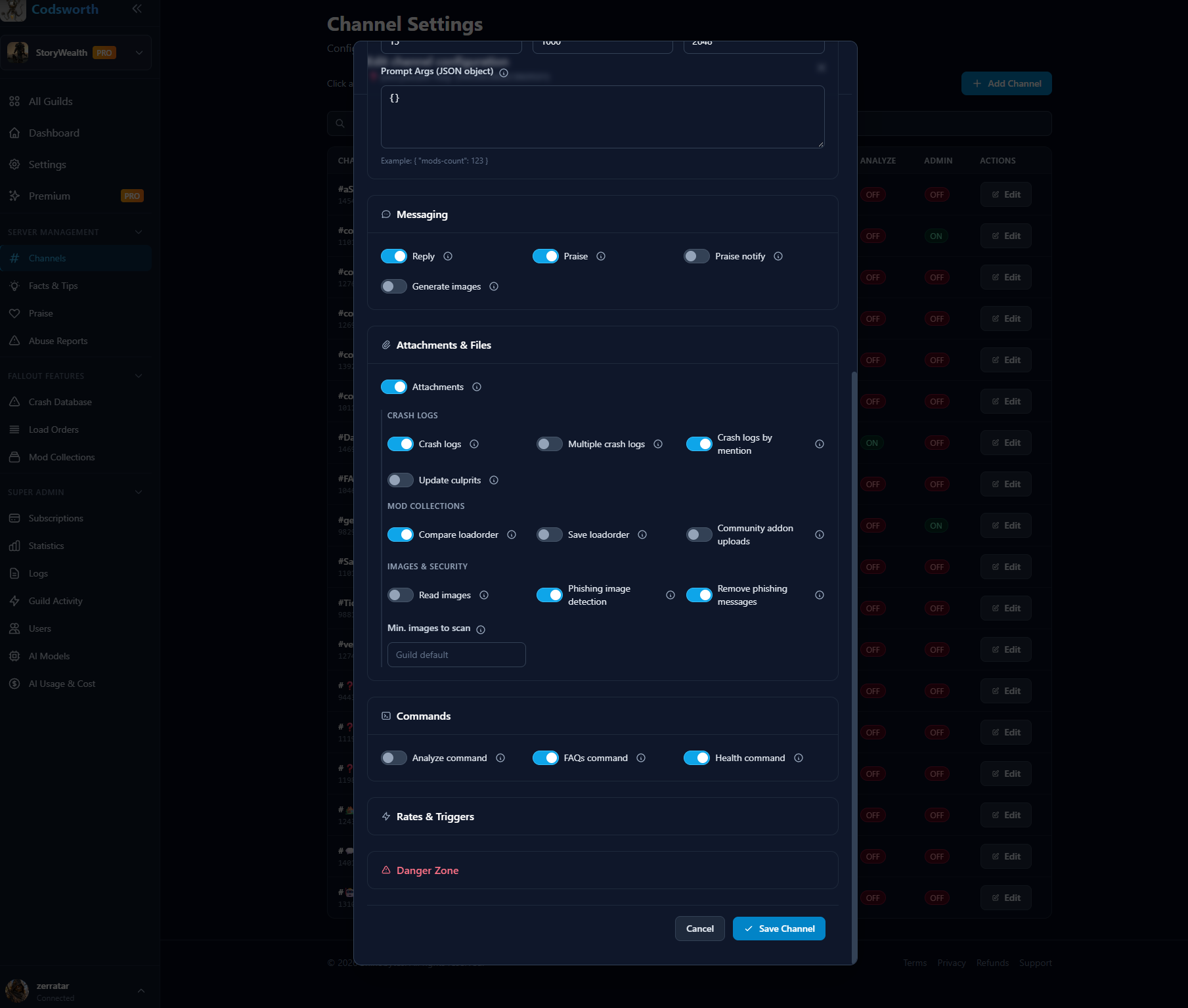
Opt-in per channel
Server admins choose which channels Codsworth reads and which features each channel has. Every channel is off by default.
Server Members
The web dashboard uses member and role data to check who may change a server's settings, and to pick admins and alert roles.
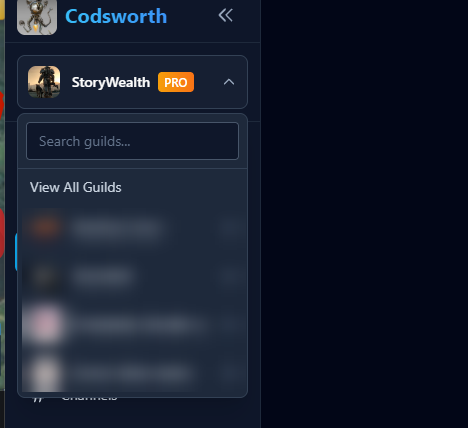
Admin check
After logging in with Discord, the dashboard only lists servers where you are the owner, a configured admin, or have an admin role.
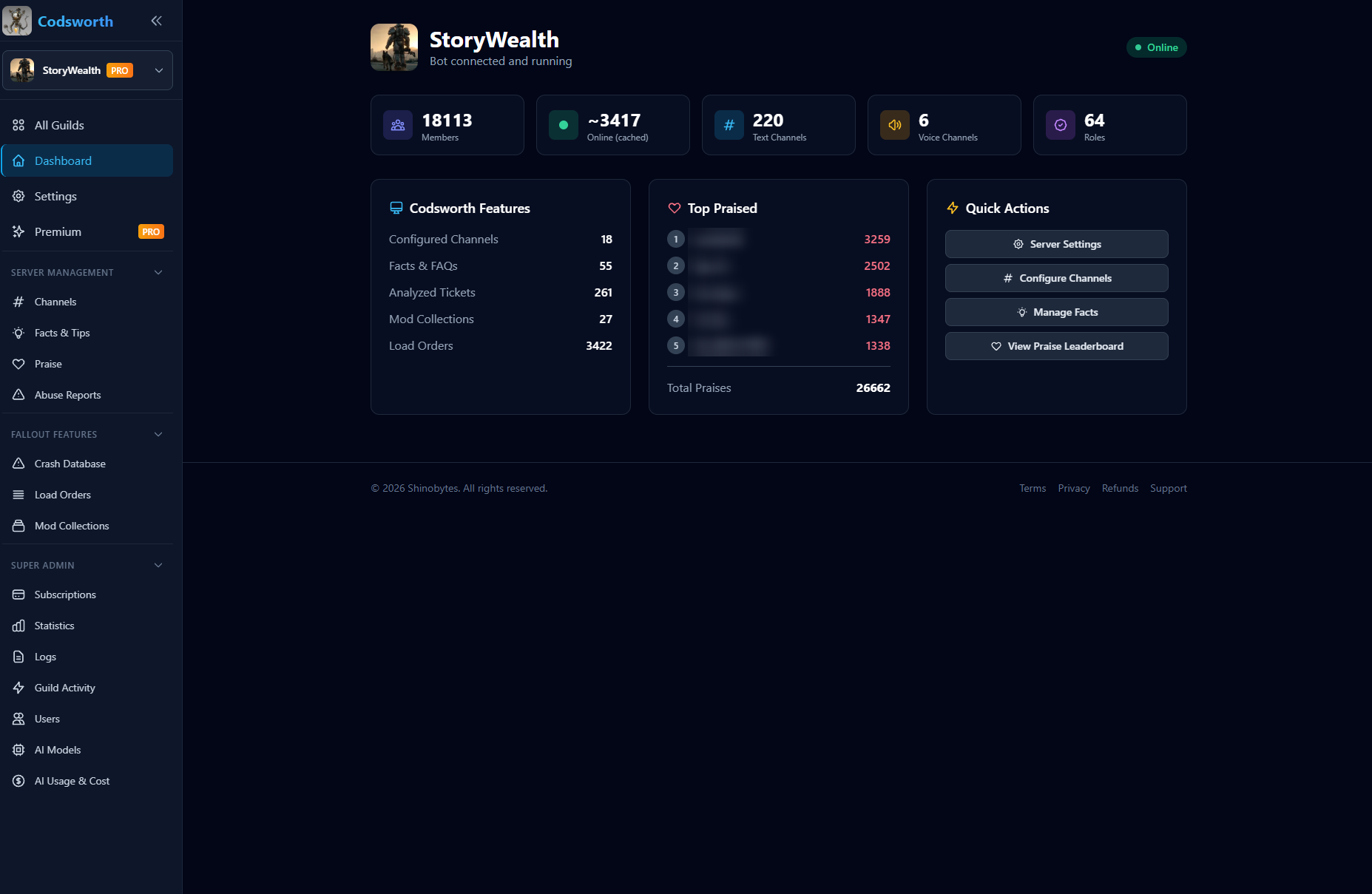
Server dashboard
The overview a server admin sees after the admin check.
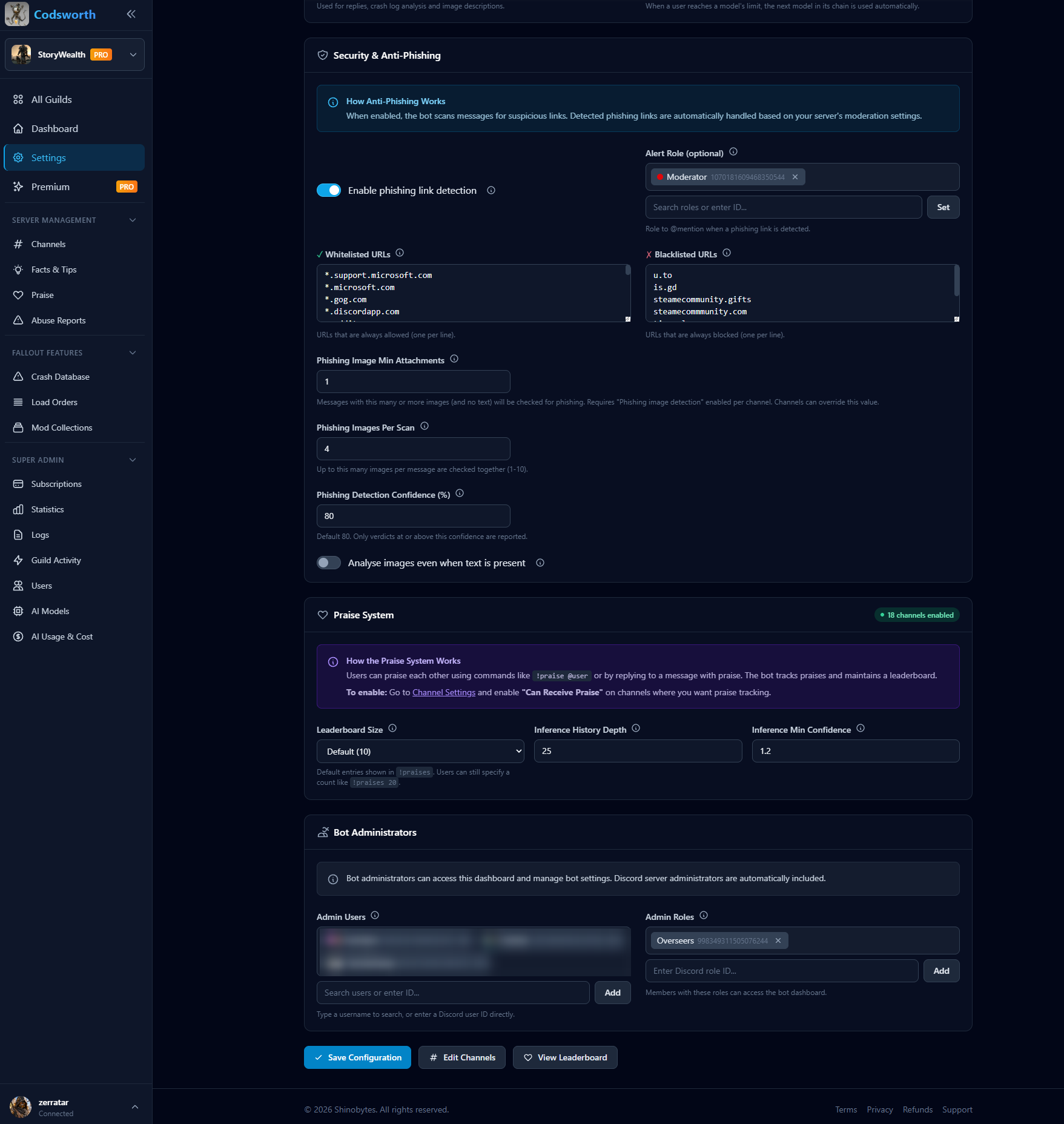
Bot administrators
Server admins choose which users and roles may manage Codsworth. Discord server administrators are included automatically.
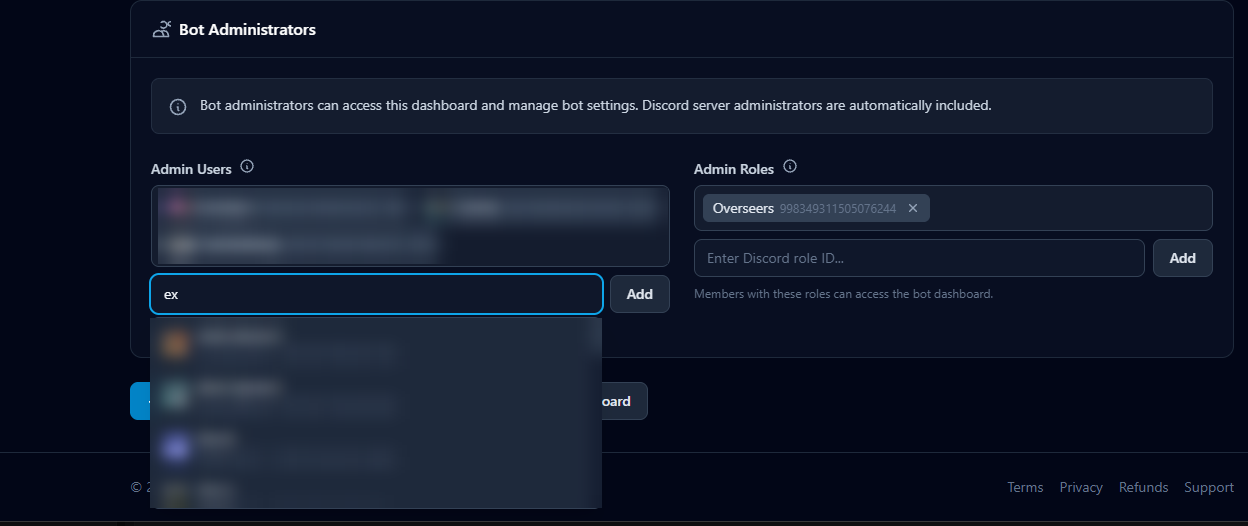
Picking admin users
Server admins search the server's members to give other people access to the dashboard.
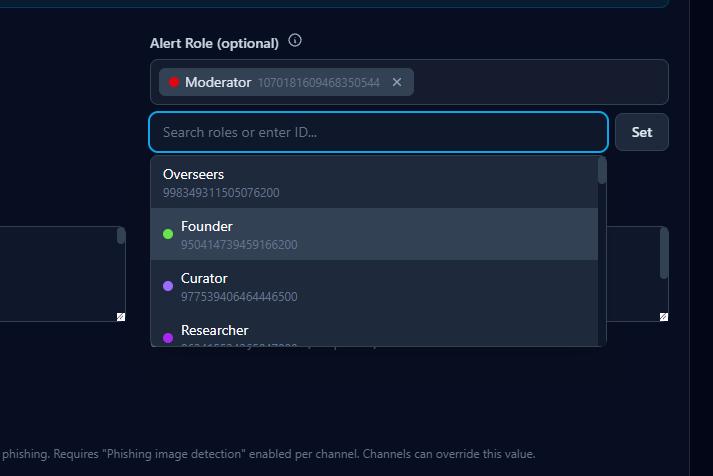
Picking alert roles
Server admins pick which role gets mentioned when a scam is detected.